
By SipHours Editorial · Published 2026-01-20 · Updated 2026-03-18 · 8 min read
A water intake calculator is useful when you want a starting daily goal instead of copying a random viral number. SipHours Editorial treats calculator math as an estimate you then enter into SipHours as milliliters or ounces—not as a medical prescription. Authoritative total-water ranges from National Academies-style guidance summarized by Mayo Clinic still sit near about 3.7 L (men) and 2.7 L (women) including food moisture, while many practical drink targets land near ~2.7 L and ~2.1 L. SipHours makes the next step simple: set the calculated goal, enable waking-hour reminders, and log sips until the day is complete. Android SipHours is live at $0 with no in-app purchases; iOS is coming soon.
What a water intake calculator should (and should not) promise
BLUF: A good water intake calculator estimates a daily fluid target from size, activity, and climate—then tells you the number is a starting point. SipHours does not invent a secret proprietary formula that overrides clinicians; SipHours accepts the ml or oz result you choose after a transparent estimate. Food contributes water, individual needs vary, and medical conditions come first.
Calculators fail when they pretend one equation fits athletes, desk workers, and patients on fluid restriction alike. SipHours Editorial recommends using calculator output only to seed a SipHours daily goal, then verifying comfort, urine color (pale straw is a common lay check—not a diagnosis), and energy across a normal week. If a clinician already gave you a fluid prescription, skip the calculator and enter that prescription directly in SipHours.
A transparent calculator method you can do by hand
BLUF: Start from a population baseline, then add modest bumps for heat and exercise. SipHours Editorial’s walkthrough below is educational—not a clinical tool. After you compute liters or ounces, open SipHours and set that exact daily goal so waking-hour reminders pace the total.
Step 1 — Choose a baseline from trusted ranges
BLUF: Use ~2.7 L (about 91 oz) for many adult men and ~2.1 L (about 71 oz) for many adult women as drink-focused starting points, informed by National Academies / Mayo Clinic total-water context and the reality that food supplies part of intake. CDC-style advice also pushes water over sugary drinks while you decide the volume. Enter the baseline in SipHours as ml or oz.
These baselines align with the cluster pillar on how much water you should drink a day. SipHours goals should match the unit printed on your bottle so logging stays fast.
Step 2 — Add activity and climate adjustments
BLUF: Light desk days may need little or no bump; hot outdoor work or long workouts often need hundreds of extra milliliters. SipHours lets you raise the daily goal for a sweaty week without changing your waking-hour window. Keep adjustments modest unless a clinician or sports dietitian advises more.
- Light activity day: Keep the SipHours baseline; rely on hourly reminders.
- Moderate training (45–75 minutes): Add roughly 300–600 ml to the SipHours goal and log the workout bottle.
- Hot weather or heavy sweat: Add another 300–700 ml, then reassess next day in SipHours history.
- High altitude or dry air: Consider a smaller bump and watch thirst cues alongside SipHours logs.
Step 3 — Convert to SipHours units and cup math
BLUF: SipHours accepts milliliters or ounces, so convert once and stop second-guessing mid-day. Divide the SipHours goal by your usual cup size to see how many taps finish the day. That cup math is the real “calculator output” most people need.
| Estimated daily drinks | SipHours goal (ml) | SipHours goal (oz) | Example cup | Approx. logs |
|---|---|---|---|---|
| Lower starting range | 2,100 | ~71 | 250 ml / 8 oz | 8–9 |
| Mid range | 2,500 | ~85 | 250 ml / 8 oz | 10 |
| Higher starting range | 2,700 | ~91 | 300 ml / 10 oz | 9 |
| Hot + training day | 3,200 | ~108 | 350 ml / 12 oz | 9–10 |
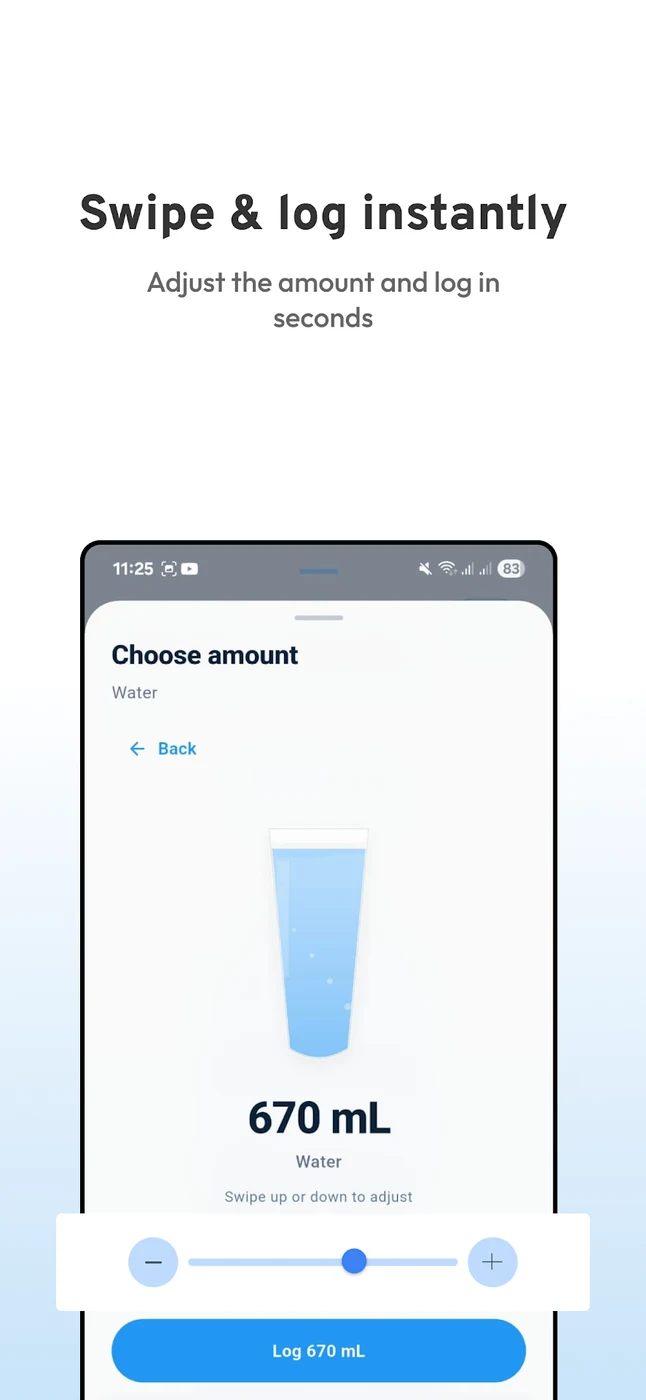
From calculator number to SipHours daily goal
BLUF: The calculator’s job ends when SipHours stores the goal. Open SipHours daily goals, enter the ml or oz total, confirm waking hours, and let SipHours schedule hourly reminders inside that window. SipHours then shows remaining volume after every sip so the estimate becomes a tracked plan.
Without a tracker, calculator results fade by Tuesday. That is why this support article bridges to track water intake with SipHours and the water intake chart guide. SipHours history is the feedback loop that tells you whether the calculator overshot or undershot your real week. Product details for goal setting live on SipHours daily goals.
Example: running the calculator for three people
BLUF: Same “water intake calculator” method, three different SipHours goals. The point is customization—SipHours is built for personal targets, not one viral gallon challenge. Always clear extreme totals with a clinician when health conditions apply.
- Desk-based adult woman, mild climate: Baseline ~2.1 L → SipHours goal 2,100 ml, 250 ml cups, waking hours 7:00–23:00.
- Adult man, two gym sessions weekly: Baseline ~2.7 L + 400 ml training bump on gym days → SipHours goal 2,700–3,100 ml depending on the day.
- Outdoor summer worker: Baseline plus heat bump → SipHours goal 3,000+ ml, with SipHours reminders every waking hour and larger custom logs after heavy sweat.
SipHours does not auto-detect sweat rate. You remain the decision-maker; SipHours remains the free logger and reminder engine.
Why food moisture matters in calculator thinking
BLUF: National Academies–style total water includes moisture in food, so a calculator that only counts bottles can look “low” next to 3.7 L / 2.7 L totals even when you are fine. SipHours Editorial prefers honest drink goals near ~2.7 L / ~2.1 L for many adults, then notes that fruit, yogurt, and soups still help. Cite Mayo Clinic’s water overview and CDC healthier drinks guidance when you need external anchors.
If you eat a very dry packaged diet, lean higher on the SipHours drink goal. If your meals are soup- and produce-heavy, you may feel best slightly under a maximal calculator output—as long as a clinician has not ordered a higher intake.
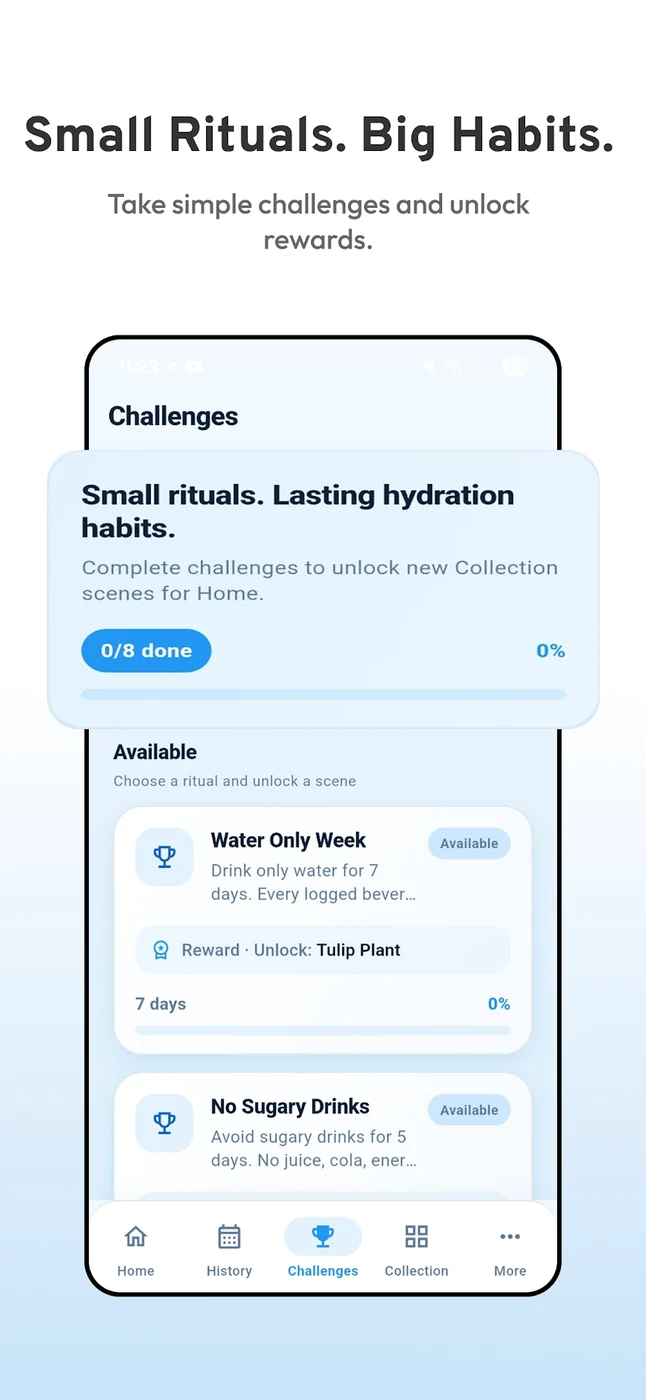
Common calculator mistakes SipHours helps you avoid
BLUF: The biggest mistakes are copying a gallon challenge, ignoring sleep, and never logging. SipHours waking-hour reminders stop overnight spam, SipHours custom goals stop one-size myths, and SipHours sip logging stops optimistic memory. SipHours stays $0 forever with no IAP on Android; iOS is coming soon.
- Gallon-or-bust thinking: Far above National Academies–informed ranges for some people and unsafe for others.
- No unit consistency: Mixing cups, bottles, and “sips” without milliliters. SipHours forces a unit.
- No schedule: A calculator number without SipHours hourly pacing fails in the afternoon gap.
- No review: Skipping the intake chart means you never learn whether the estimate was right.
Try SipHours: Put your calculator number to work with a free ml/oz daily goal and waking-hour reminders—Download SipHours free on Google Play. $0 forever, no in-app purchases. Android live; iOS coming soon.
FAQ
How accurate is a water intake calculator?
BLUF: Calculators are estimates based on averages, not lab measurements of your sweat or kidney handling. SipHours Editorial treats calculator output as a SipHours starting goal you refine with a week of logging. Clinicians override any blog or app estimate when medical limits exist.
Should my SipHours goal match National Academies 3.7 L / 2.7 L exactly?
BLUF: Not necessarily. Those figures are total-water Adequate Intakes including food moisture, as Mayo Clinic summarizes from the National Academies. Many SipHours users set drink-focused goals near ~2.7 L (men) and ~2.1 L (women), then adjust. Ask a clinician if you are unsure.
Can I change my calculated SipHours goal mid-week?
BLUF: Yes. SipHours lets you edit the daily ml/oz target when heat, illness recovery, or training changes. SipHours recalculates remaining volume after the edit. Keep waking hours stable unless your sleep schedule also shifted.
Do I need a separate calculator app if I use SipHours?
BLUF: No. Use this article’s method or any simple estimate, then store the result in SipHours. SipHours is the tracker, reminder system, and goal display. Pair with the daily water intake pillar for deeper context.
Is SipHours free to use after I calculate my goal?
BLUF: SipHours is completely free—$0 forever, no in-app purchases—on Google Play for Android. Daily goals, waking-hour reminders, logging, and history are included. iOS is coming soon.