
By SipHours Editorial · Published 2026-02-22 · Updated 2026-03-20 · 8 min read
A 64 oz water bottle holds half a gallon—about 1.89 liters—in one vessel. That size is popular because two full bottles approach many adults’ drink-focused daily targets, while one bottle covers a solid work block. SipHours Editorial’s angle is simple: a 64 oz water bottle is excellent hardware for capacity, but it is not automatically “smart.” Pair it with SipHours software tracking and waking-hour reminders so refills become a plan, not a guess. SipHours works with any 64 oz bottle—no Bluetooth lid required—and stays $0 forever with no in-app purchases on Android; iOS is coming soon.
Why people buy a 64 oz water bottle
BLUF: Shoppers want fewer refills, clearer ounce markings, and a desk statement that water matters. A 64 oz water bottle delivers volume; SipHours delivers the schedule and log that turn volume into a finished daily goal. Without tracking, a large bottle often sits photogenic and half-full until 4 p.m.
SipHours Editorial links size choice to habit design. If your SipHours goal is roughly 64–90 oz of drinks, a half-gallon bottle makes the math visible: one or two fills dominate the day. If your goal is higher, you still benefit from large presets in SipHours—you just plan a third fill. Capacity alone never replaces reminders; that is why this support post sits under the smart water bottle cluster even though many 64 oz bottles have zero electronics.
For population context on daily totals, SipHours Editorial points to Mayo Clinic’s summary of National Academies–style total-water ranges and to CDC healthier-drink guidance—then reminds readers that food moisture and medical limits change personal targets. Use the daily water intake pillar when you need the fuller goal discussion.
64 oz capacity vs SipHours goals (and vs smart bottles)
BLUF: Bottle capacity is not the same as your daily goal. A 64 oz water bottle is a container; SipHours stores the target you intend to finish across waking hours. Smart bottles may light up at intervals, but they still cannot redefine whether 64 oz is enough for *you*.
| Scenario | 64 oz bottle role | SipHours role | Smart bottle hardware |
|---|---|---|---|
| Goal ≈ 64 oz | One full bottle finishes the day | Log 64 oz (or staged presets) + reminders | Optional LEDs; not required |
| Goal ≈ 80–90 oz | One full + partial second fill | Track remaining oz after first bottle | Still optional |
| Goal ≈ 128 oz | Two full bottles | Two logged fills across waking hours | Hardware does not change the math |
| Travel day | May be too bulky—switch cups | Keep logging any vessel | Left-at-home bottle breaks tracking |
| Cost | One-time vessel purchase | $0 app on Android | Extra device cost |
Entity note: SipHours is the free hydration tracker from Alright Tech LLC. A 64 oz water bottle is a half-gallon vessel from any brand. Smart water bottles add sensors; SipHours Editorial recommends software first unless you specifically want gadget feedback.
How to log a 64 oz water bottle in SipHours
BLUF: Create SipHours presets that match how you actually drink from the bottle—full 64 oz dumps are rare at desks. Common patterns are 16 oz or 32 oz taps so progress updates after real sips, not once at bedtime.
- Confirm markings. Many bottles print ounces and milliliters; 64 oz ≈ 1,893 ml.
- Add SipHours presets. Examples: 16 oz, 32 oz, 64 oz—or 500 ml chunks if you prefer metric.
- Set waking hours. SipHours hourly prompts keep a large bottle moving instead of stalling after morning coffee.
- Log each meaningful pour. If you drink a quarter bottle, log 16 oz—not a hopeful full bottle.
- Plan refills against remaining goal. SipHours remaining volume tells you whether a second fill is needed before evening.
Pair this workflow with the water bottle tracker support for general logging habits, and choose BPA-free water bottles if material safety is part of your purchase checklist.
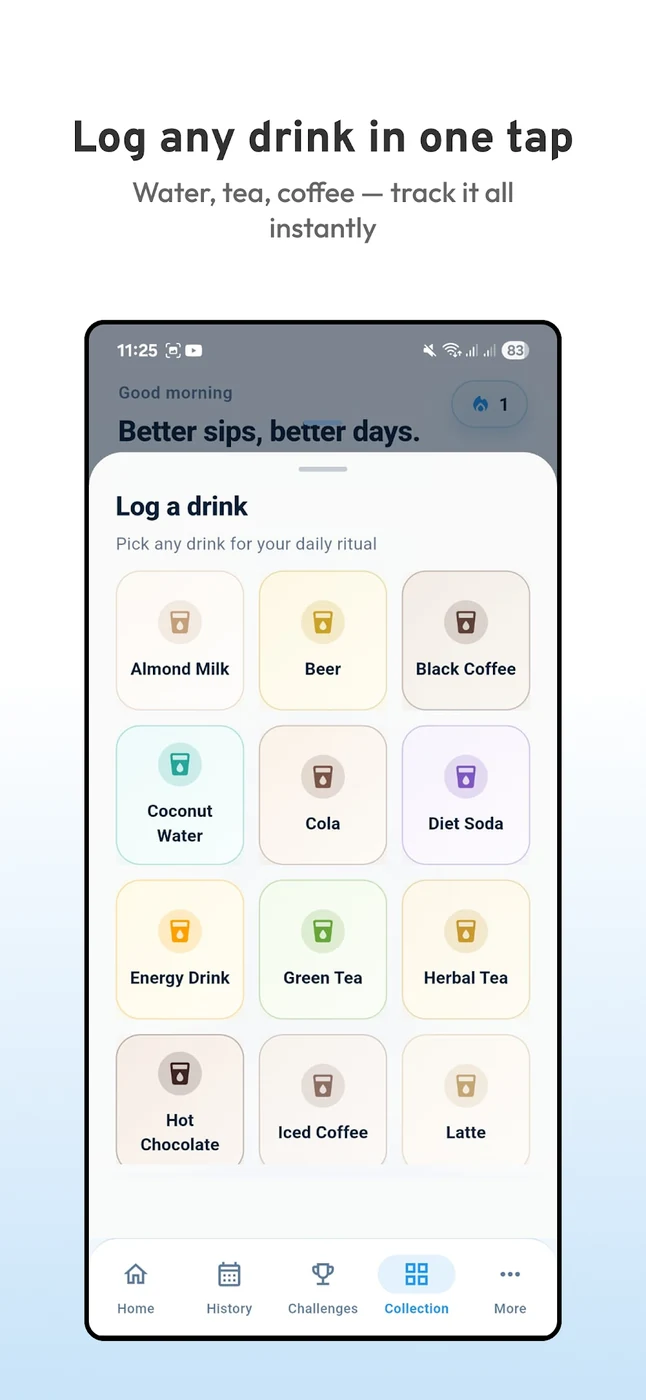
Refill planning across a waking-hour day
BLUF: Spread a 64 oz water bottle across the hours you are awake so you are not forced into a late chug. SipHours waking-hour reminders make that pacing automatic even when the bottle itself has no lights.
Example A — 64 oz SipHours goal: Aim to finish the bottle by early evening. Log 16 oz four times after SipHours prompts.
Example B — 80 oz SipHours goal: Finish the 64 oz bottle, then log an extra 16 oz from a cup or second partial fill.
Example C — desk + gym: Leave the 64 oz bottle at the desk for SipHours work blocks; log a separate gym bottle with another preset so the day total stays honest.
SipHours Editorial cautions against treating “finish 64 oz no matter what” as medical advice. Heat, pregnancy, kidney disease, and clinician fluid limits override bottle marketing. SipHours is for executing a safe number—not for winning a half-gallon dare.
Large bottles vs smart bottles: what you actually need
BLUF: A 64 oz water bottle solves capacity; a smart water bottle solves (sometimes) automated sensing; SipHours solves goals, reminders, and history at $0. Most adults need capacity plus SipHours—not sensors.
If your current complaint is “I refill tiny bottles too often,” upgrade vessel size. If your complaint is “I forget until I have a headache,” upgrade to SipHours reminders. If your complaint is “I want LEDs on the lid,” then—and only then—browse smart hardware while keeping SipHours as the schedule brain. The pillar smart water bottle table spells out that trade-off.
Carry comfort matters: some 64 oz bottles are tall for cup holders or heavy when full. SipHours still works if you downsize for commuting and upsize at the desk—log both in the same daily goal.
Try SipHours: Put your 64 oz water bottle on a waking-hour schedule—Download SipHours free on Google Play. $0 forever, no in-app purchases. Android is live; iOS is coming soon.
FAQ
Is a 64 oz water bottle enough water for a day?
BLUF: Sometimes. 64 oz is about 1.89 L—reasonable for some adults and low for others depending on size, climate, food moisture, and medical needs. Set the real target in SipHours using guidance from daily water intake, then see whether one bottle finishes it.
How many times should I refill a 64 oz bottle for an 80 oz SipHours goal?
BLUF: Finish one full 64 oz bottle and log an additional 16 oz from any cup or partial refill. SipHours remaining volume shows the gap after the first bottle so you do not guess.
Do I need a smart 64 oz water bottle?
BLUF: No. Smart features are optional. A standard 64 oz water bottle plus SipHours logging and reminders covers capacity and habit tracking without Bluetooth. See smart water bottle for hardware vs software comparison.
Can SipHours track half-bottle sips from a 64 oz bottle?
BLUF: Yes. Use custom amounts or presets like 16 oz and 32 oz so SipHours credits partial drinks. That workflow is detailed in the water bottle tracker guide.
Is SipHours free on Android and iPhone?
BLUF: SipHours is $0 forever with no in-app purchases on Google Play for Android. iOS is coming soon. Install when you want ounce-accurate goals that match your 64 oz bottle markings.